
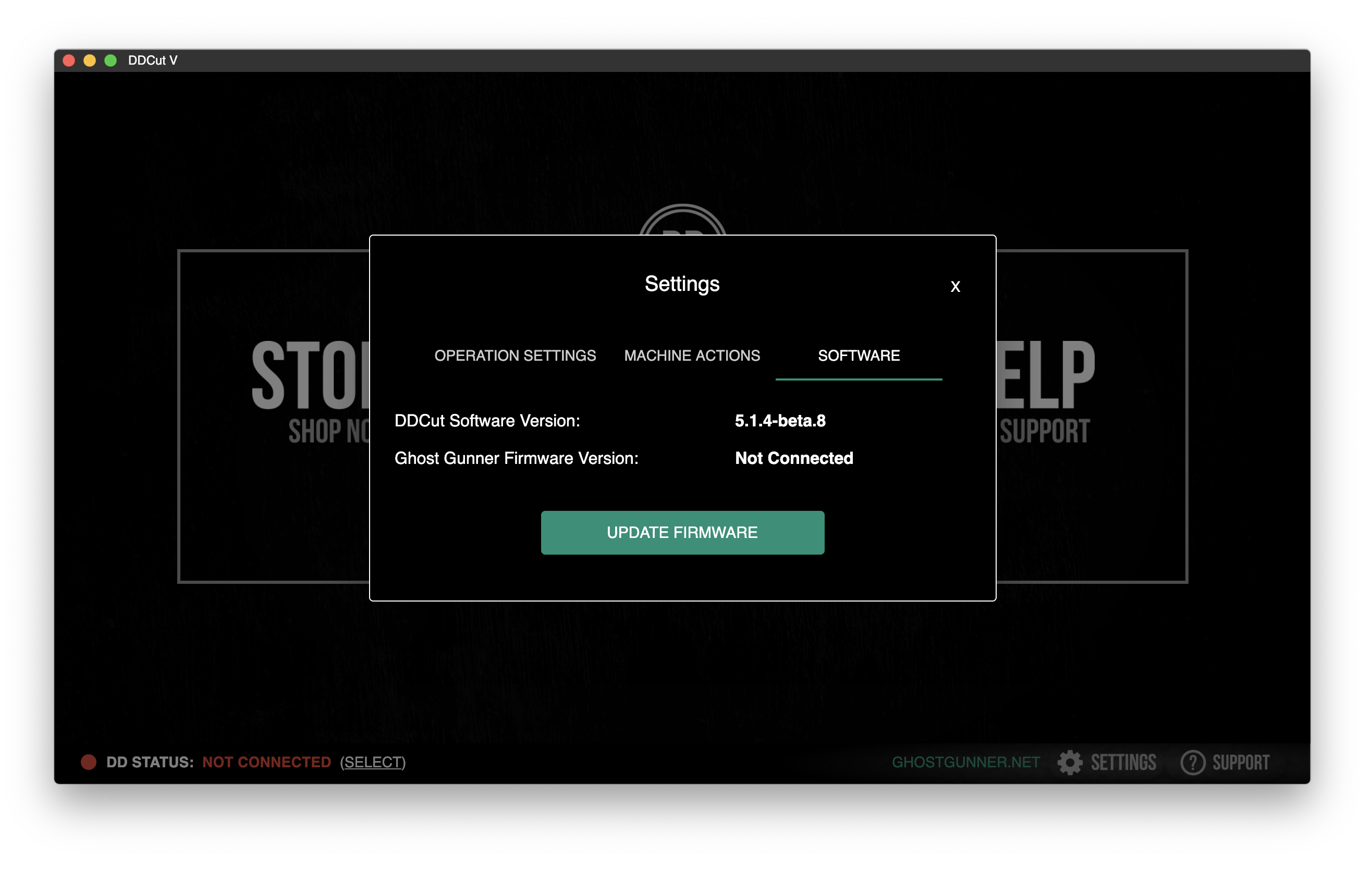
Installing Firmware Using DDCut V
1. Connect the USB cable from the computer to the Ghost Gunner.
2. Make sure you are connected to the Internet.
3. Run DDCut V.
4. Click Settings to open the Settings menu.
5. Click Software Actions.
6. Click “Update Firmware".
7. Select the firmware version to download, and click select. The version available will depend on what generation of the GG you have connected.
8. A black window and a progress bars will indicate the firmware is installing properly.
9. Once the bar is full, click on close.
10. Click outside the settings window to exit the settings menu.
Caution | Use the following instructions to install firmware for a GG1 using 2017 DDCut version.
Comments
0 comments
Please sign in to leave a comment.