
Removing Inaccessible or Recessed Tool
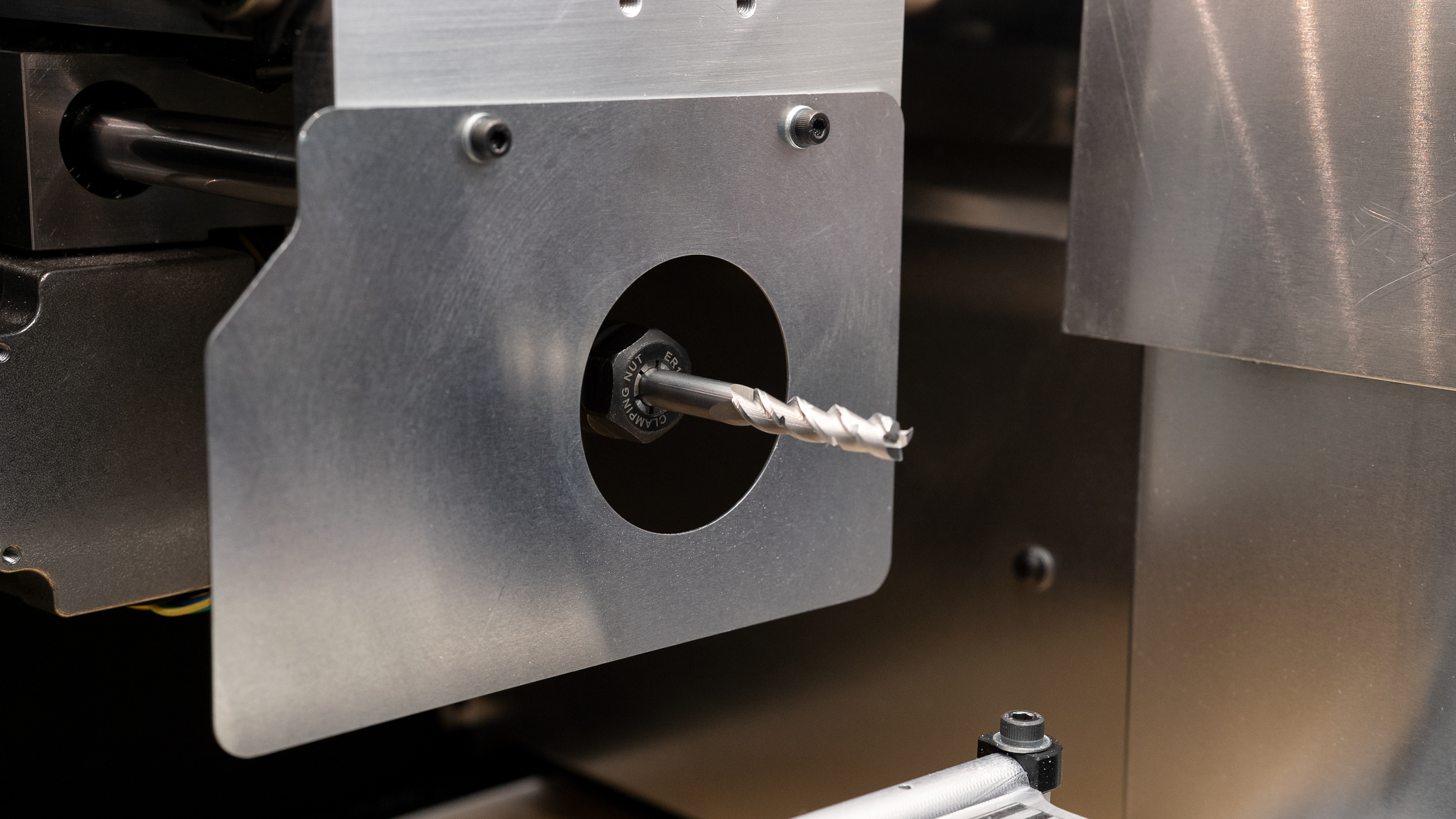
1. The tool may be recessed into the machine, resulting in the collet nut no longer being accessible. To start, completely unplug the Ghost Gunner. Make sure to disconnect both the power supply and the USB connection. Remove the lower and jig assembly from the machine. Then remove the grip bolt and disconnect the probe wire.
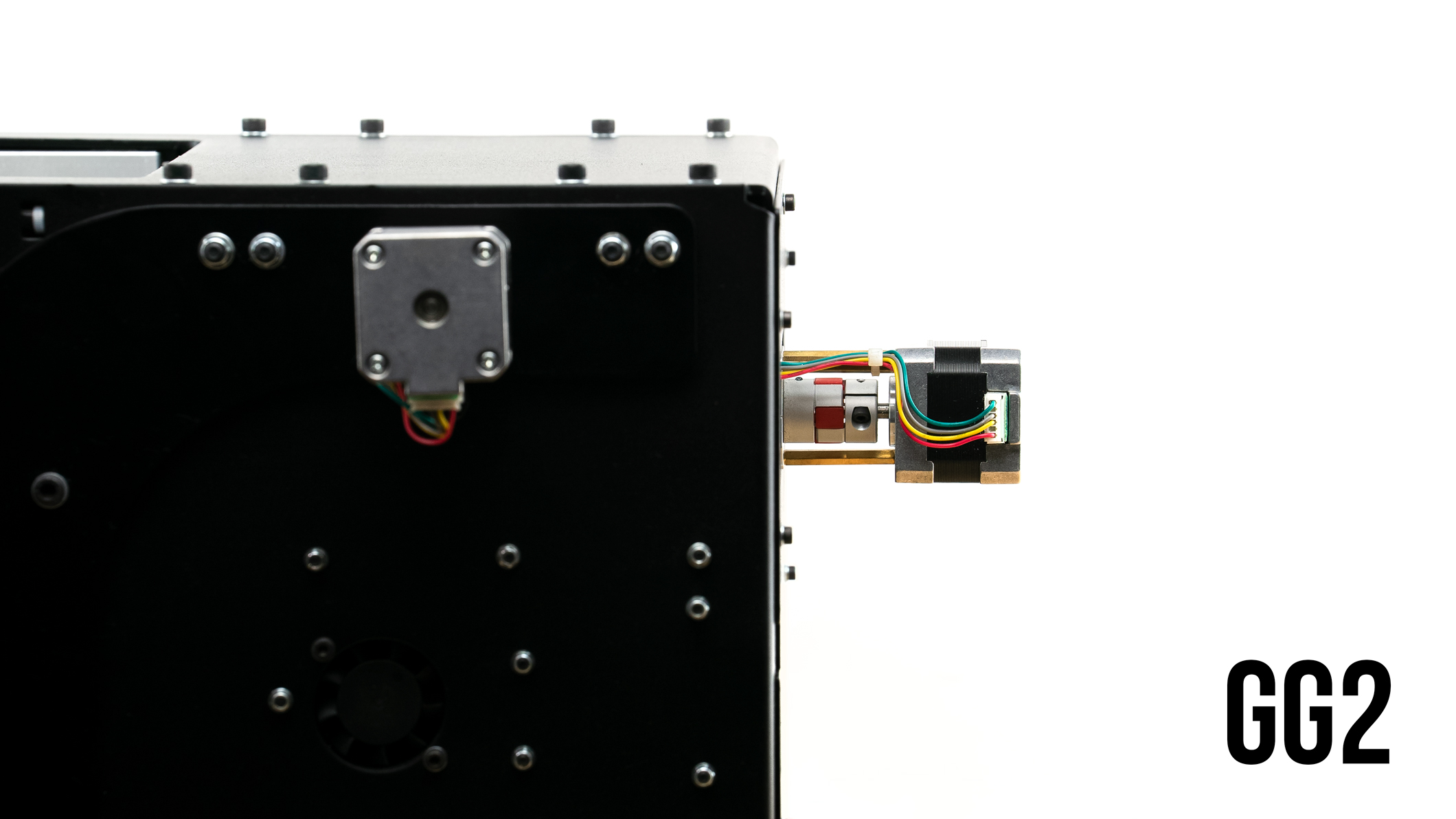
Ghost Gunner 2 | The rear stepper motor is on the back of the machine above the USB and power supply ports. Hand-turn the rear stepper coupling (cylinder attached to the motor) in order to move the end mill forward so you can access it with wrenches.
Ghost Gunner 3 | As demonstrated in the video below, located the z-gantry with the unplugged Ghost Gunner facing up. From beneath, lift the gantry upwards to expose the tool past the chip guard.
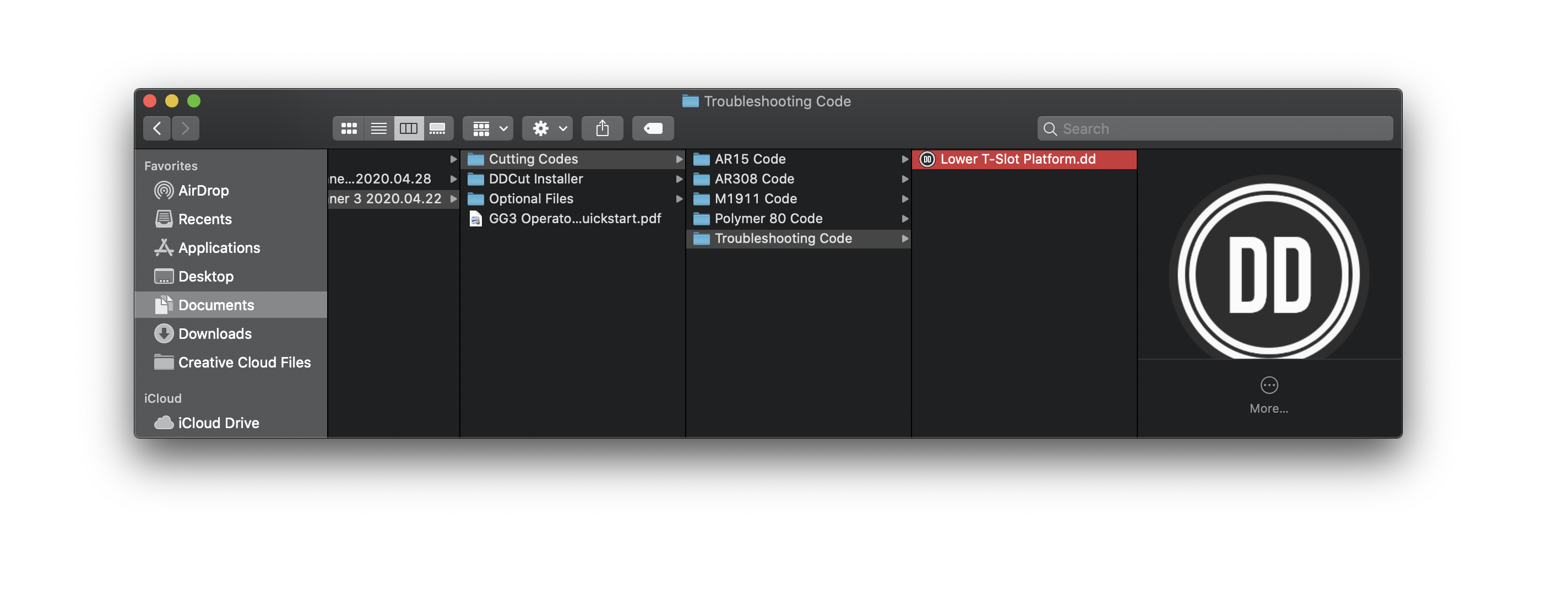
2. If the t-slot table is raised all the way up, you will not be able to extend the tool forward. Plug in the machine and run Lower-t-slot Platform.dd found in Cutting Code/Troubleshooting Code on your DD USB drive. This will lower the platform halfway down the x-axis.
3. Remove the bit and collet using the appropriate tools.
4. Plug in the Ghost Gunner's power supply and connect the USB cord to the computer.
5. Run DDCut, connect to your Ghost Gunner's port, and select the appropriate .dd file.
6. The machine will home itself in the first step and locate its walls. Next, it will direct you to mount the lower on the t-slot platform. The Ghost Gunner will probe the position of the workpiece prior to the milling operation.
Resuming Operation
Ghost Gunner, Inc. > Technical Support FAQs > General Milling Operation FAQs > Resume Milling Operation After Partial Run
Comments
0 comments
Please sign in to leave a comment.