
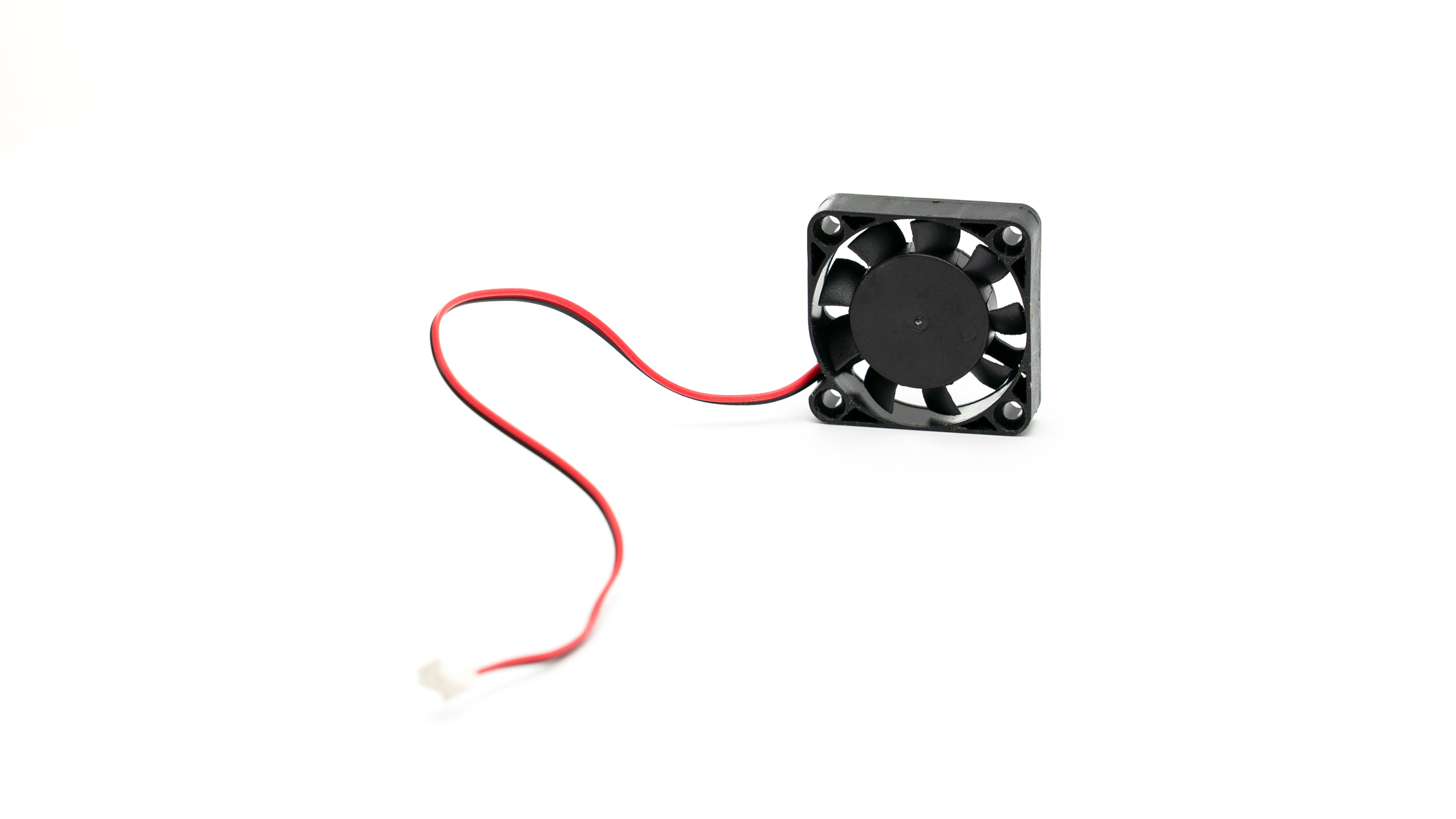
Control Board Fan Replacement
1. Use a 2.5mm allen tool to remove the 7 bolts securing the Ghost Gunner’s rear panel.
2. Turn the machine upside-down. Take care not to lean it on its stepper motors.
Note | Aluminum chip can cause electronics to short. Thoroughly vacuum all aluminum chip. Use a paintbrush to free up any chip stuck to components. The inside of the machine must be completely free of aluminum chip prior to opening the electronics enclosure.
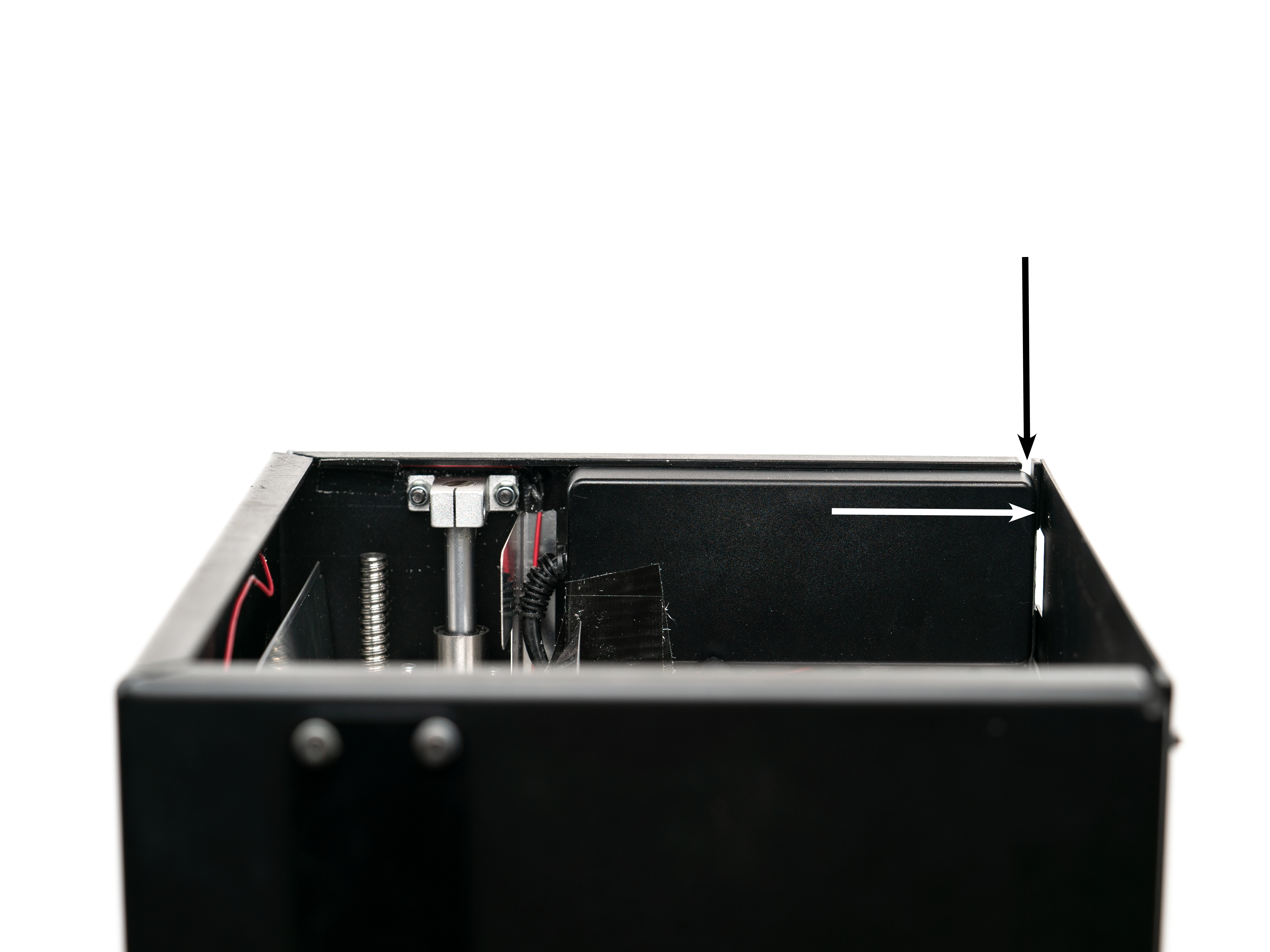
3. The power supply is held tight to the inner wall of the machine with an adhesive. Pry the power supply off of the wall using a large flathead screwdriver inserted from the slot in the corner as shown in following image (A1). It requires a great deal of force to break the power supply away from the VHB tape so don’t hesitate to put to some muscle into it.
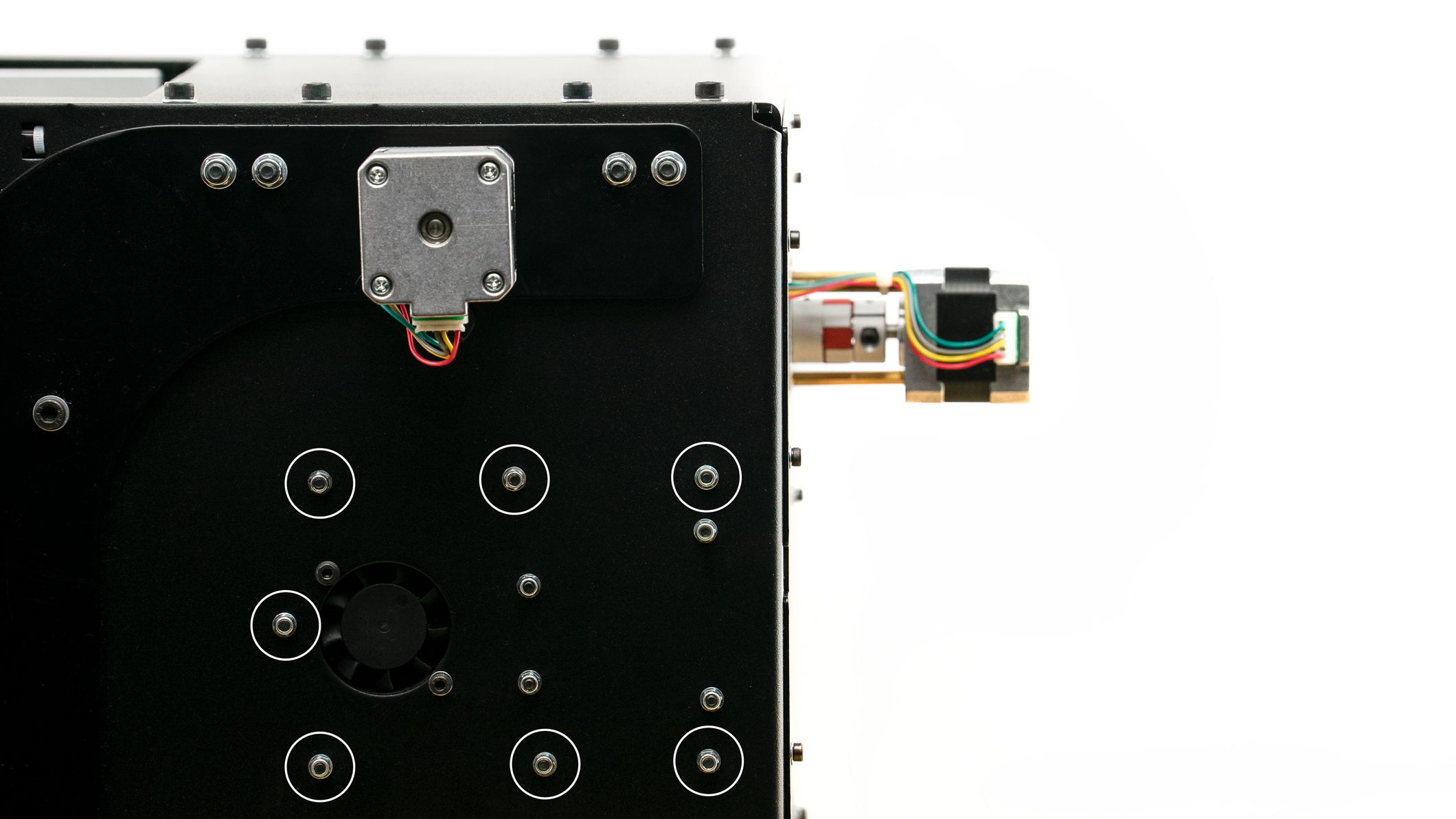
4. Use a 2.5mm allen tool and a 5.5mm socket to remove the 7 bolts that secure the electronics enclosure to the wall as shown in below image (A2, marked white). Take care to not damage wires.
5. With wiring still attached to the control board, gently pull the control board apart from the Arduino board. Keep the boards parallel while pulling them apart to avoid bending delicate pins. Once separated, the control board will hang freely on the wiring and you’ll be able to access the Arduino board.
Note | The control board is stacked onto an Arduino board.

6. Remove the 2 bolts securing the fan to the wall and replace control board.
7. Secure the 2 bolts for fan.
8. Carefully align the pins and gently sandwich the control board onto the new Arduino board.
9. Reinstall electronics enclosure and secure the 7 bolts.
Note | Take care not to twist or pinch wires. All wiring should route through the small opening in the electronics enclosure.
10. Reattach power supply to wall. A piece of VHB tape may be necessary.
11. Reattach the Ghost Gunner’s rear panel and secure the 7 bolts.
Comments
0 comments
Please sign in to leave a comment.